How to install MicroPython on ESP32
There's not just one - but two! - ways to install it. Read on to find out how.
There's not just one - but two! - ways to install it. Read on to find out how.

Learn how to get your microcontroller to remember your settings, so you can quickly get it back in working state even if it loses power or reboots!

The tech landscape changes dramatically every 5-10 years. And we poor software developers have to constantly run and re-skill just to catch up. Was it always like this?
What if you want to remote control a drone, or create a smart home lighting system, or collect sensor data from many devices? Enter MQTT: a robust and flexible IoT protocol that lets us do all that and more!
What if we want to blink an LED to remind us on the day of a friend's birthday? Or what if we want a lamp to automatically turn on, like an alarm, every morning? Learn how to sync your ESP32 with network time!

You know how to run MicroPython on hardware, but what if you don't have a microcontroller lying around? That's where Docker comes in!
The repetitive process of editing your code in Thonny, switching over to the WebREPL window, re-selecting your edited code file, re-sending it to your ESP32, and going back to Thonny to fix any bugs can get cumbersome and slow. Luckily for us, there's a solution!
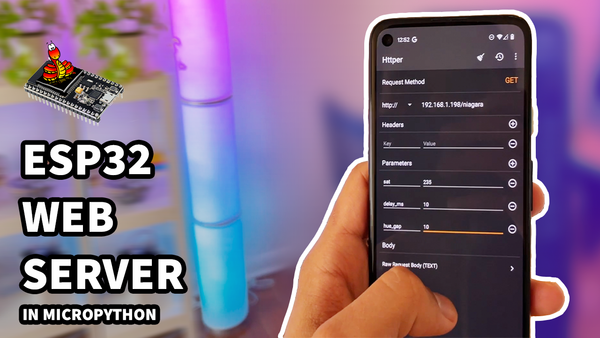
One of the coolest upgrades to make to any hardware project is to connect it to the (world wide) web. It opens up immense possibilities, like a Cambrian explosion of project ideas that weren't possible before.
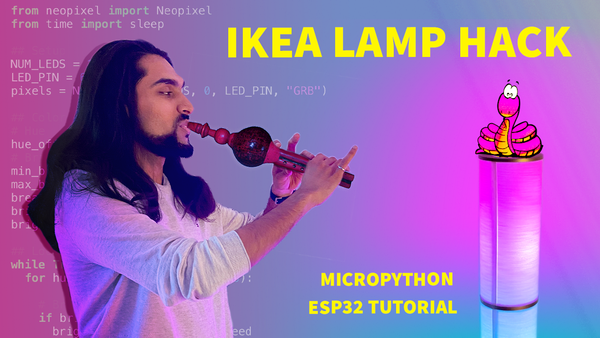
Learn how to upgrade an IKEA lamp into a colourful IoT light, with the power of ESP32, MicroPython and Neopixels!
In this tutorial, we learn to use the network and urequests libraries in MicroPython to connect an ESP32 to the web and fetch programming jokes!
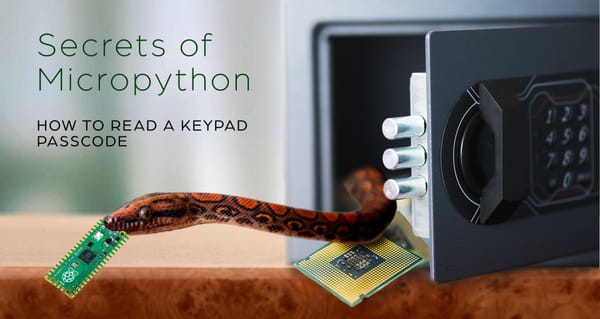
Keypads are used to secure our money, our factories, and even our homes. It's due to them that we don't need to carry around dozens of keys anymore! But how do they work? And how do you secure your keypad's passcode so that a hacker can't steal it? Let's answer these questions - in MicroPython!
Part two in the epic saga of programming Neopixels with MicroPython. Jump in and learn how to create fantastic colour patterns - no hardware needed!